cancel
Showing results for 
Show  only  | Search instead for 
Did you mean: 

SELPHY CP1500 Ink Cartridge Keeps Getting Stuck

JRMTO
Apprentice

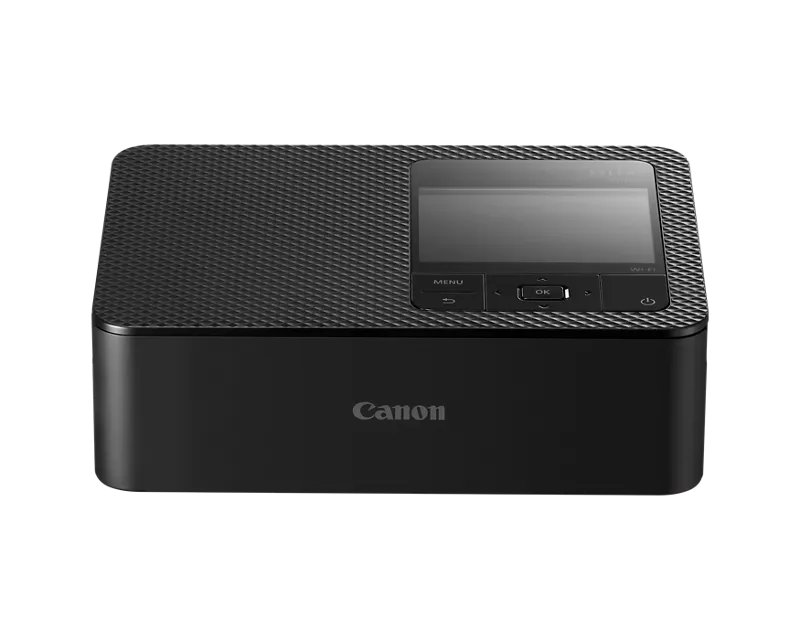
I was using the SELPHY CP1500 and I had an error with the ink cassette. I got the error message that said:


There is a problem with the ink cassette! 

Turn the printer off, remove the cassette, tighten the ink sheet, replace cassette and turn printer on again.

When I tried to take it out, it was stuck. I got it free by following the instructions from another post, but when I put it back in it got stuck again. I tried it with a new ink cartridge and it still got stuck. 


Is there anything else I can try to get it working again? 

1 REPLY 1

Patrick
Product Expert
Product Expert

Hi JRMTO,

Please contact one of Canon's Technical Support Representatives via phone or chat. To contact a Technical Support Representative, please use the link below to log into your My Canon account:

https://mycanon.usa.canon.com

Once logged in, click on your SELPHY CP1500 and then click on the Product Support button. When that page loads, click on either the Phone Support button or the Chat Support button to access support. A Technical Support Representative can determine the cause of the issue and resolve it or provide you with your available service options.


Did this answer your question? If so, please click the Accept as Solution button below so that others may find the answer as well.

Friends and Family
Announcements