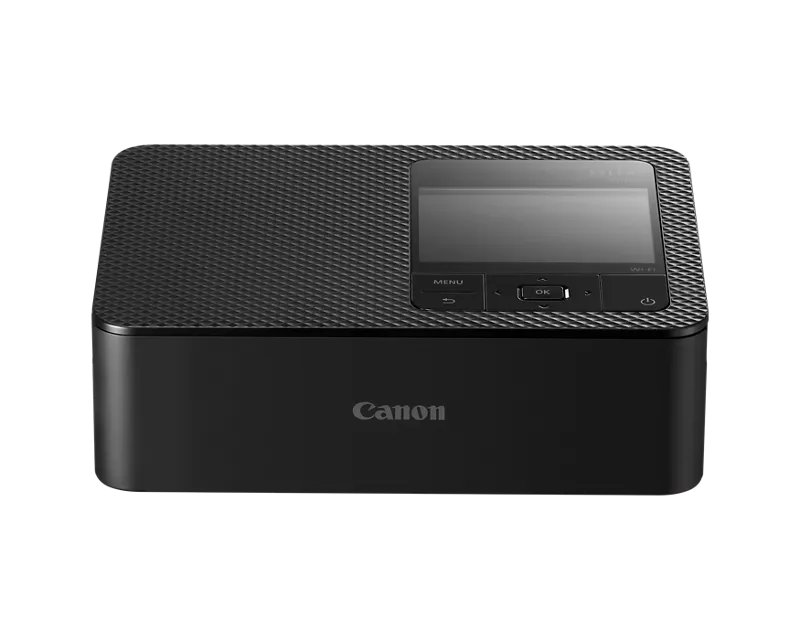
I was using the SELPHY CP1500 and I had an error with the ink cassette. I got the error message that said:
There is a problem with the ink cassette!
Turn the printer off, remove the cassette, tighten the ink sheet, replace cassette and turn printer on again.
When I tried to take it out, it was stuck. I got it free by following the instructions from another post, but when I put it back in it got stuck again. I tried it with a new ink cartridge and it still got stuck.
Is there anything else I can try to get it working again?