Turn on suggestions
Auto-suggest helps you quickly narrow down your search results by suggesting possible matches as you type.
- Canon Community
- Discussions & Help
- Camera
- EOS DSLR & Mirrorless Cameras
- Re: EOS R6 Mark II card slot problem "Card cannot ...
Options
- Subscribe to RSS Feed
- Mark Topic as New
- Mark Topic as Read
- Float this Topic for Current User
- Bookmark
- Subscribe
- Mute
- Printer Friendly Page
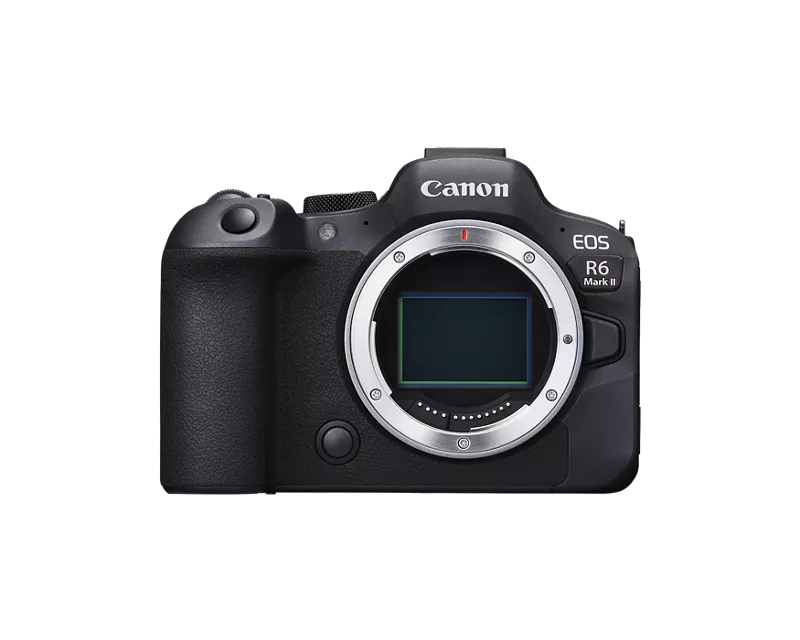
EOS R6 Mark II card slot problem "Card cannot be accessed"

Options
- Mark as New
- Bookmark
- Subscribe
- Mute
- Subscribe to RSS Feed
- Permalink
- Report Inappropriate Content
06-30-2024
10:41 AM
- last edited on
10-15-2024
08:06 AM
by
 James_C
I really can't figure this one out, so maybe someone has some ideas.
About a year and change ago, I went from a Canon 5D Mark IV to a canon R6 mark II. Things went fine at first, but then I recently noticed I am having a bunch of SD card problems. I was getting the "card cannot be accessed" error
But its' frustratingly weird how the error happens:
It only happens in slot 1.
It only happens on cards larger than 64 GB. My 64 GB cards work just fine. I have a couple of different kinds of 128 GB cards in terms of manufacturers and they all act the same way. Any card larger than 64GB doesn't work in slot 1.
So if I take a 128 GB card and put it in slot 1, it gives me the error. I put that same card in slot 2, and it seems to work fine.
If I put one of my 64GB cards into slot 1 it seems to work fine.
I've tried formatting the cards, regular and low level format, to no avail. I've tried formatting the cards on a computer. No luck there.
And it is just slot 1. Slot 2, the 128GB cards work normal. Slot 1, "card cannot be accessed". But 64 GB cards work in slot 1, no issues. (and of course Slot 2, the 64GB cards work normal)
I even toggled the write protection switch on the cards back and forth. No dice.
It's as if my R6 Mark II can't "handle" a 128GB card in Slot 1. But Slot 1 can handle 64 GB cards. And the 128 GB card works in Slot 2.
I downloaded the latest firmware in hopes that would help. No dice.
Ideas?
25 REPLIES 25
Options
- Mark as New
- Bookmark
- Subscribe
- Mute
- Subscribe to RSS Feed
- Permalink
- Report Inappropriate Content
10-04-2025 10:42 PM
Just an update, a year later I am still having this same issue and have sent my camera in for Canon to repair it twice and I am STILL HAVING THE ISSUE. Beyond frustrated at this point. Now it happens to mine even with 64 GB cards, brand new cards, SLOT 1 just does not want to work. Completely defeats the purpose of owning a camera with dual card slots. I can't believe Canon can't do better on this.
Options
- Mark as New
- Bookmark
- Subscribe
- Mute
- Subscribe to RSS Feed
- Permalink
- Report Inappropriate Content
10-18-2025 10:06 PM
Hi,
This is Samu from Finland. I have problem with my Canon R6 Mark II with card slot 2. Same issue. Occasionally gives the problem "can't acces card in slot 2". Removing it and pushing it deeper worked last time. I already bought new card, because I thought the card was the problem. It was not. Annoying, I can't trust my backup anymore.
Options
- Mark as New
- Bookmark
- Subscribe
- Mute
- Subscribe to RSS Feed
- Permalink
- Report Inappropriate Content
12-12-2025 03:58 AM
Update for my issue - I finally took the effort and time to send it to the warranty repair - they replaced the motherboard on their cost and so far the camera works fine with all combinations of any of my cards - SD, micro SD, slow or fast, regardless of the brands. It now accepts cards and is able to format them also in slot 1.
Looks like it was a hardware issue on my product.


Options
- Mark as New
- Bookmark
- Subscribe
- Mute
- Subscribe to RSS Feed
- Permalink
- Report Inappropriate Content
12-13-2025 11:24 AM
Not sure how this would affect the problem but I never use anything more than SanDisk 64GB. Would the high capacity of 128 GB influence in any way? Watching.
John
Canon EOS T7; EF-S 18-55mm IS; EF 28-135mm IS; EF 75-300mm; Sigma 150-600mm DG
Canon EOS T7; EF-S 18-55mm IS; EF 28-135mm IS; EF 75-300mm; Sigma 150-600mm DG
Options
- Mark as New
- Bookmark
- Subscribe
- Mute
- Subscribe to RSS Feed
- Permalink
- Report Inappropriate Content
12-15-2025 04:03 AM
In my case 64GB card from Lexar was working better. But not flawless. But I found a youtube video where Lexar cards in general were told to be problematic.https://www.youtube.com/watch?v=N2uR9M4Ua7o
After the fix they work for me. So it was the faulty camera in my case, not the cards. I tried different brands and types of cards, issues were there regardless. Canon swapped the main electronics board in the camera and this fixed the issue.

Lexar SD 256 v60 and Lexar SD 128 v90 both failed on my canon R6 in photo and video. The cheapest and best options that did not fail were the Transcend 64GB SDXC I and FreeTail EVOKE Pro 128GB SDXC II V60.
Options
- Mark as New
- Bookmark
- Subscribe
- Mute
- Subscribe to RSS Feed
- Permalink
- Report Inappropriate Content
12-28-2025 02:41 PM
I just bought a new SD card and it works fine now. There was nothing wrong with the previous card either, though. I put the previous card in to my Canon R and the card works fine there. Weird.

- « Previous
- Next »
- « Previous
- Next »
Announcements
07/22/2026: New firmware updates are available.
EOS R6 Mark III - Version 1.1.0
05/13/2026: New firmware updates are available.
EOS R5 Mark II - Version 1.3.0
EOS R6 Mark II - Version 1.7.0
04/28/2026: Service Notice: Caution Concerning use of Lithium Batteries
03/17/2026: New firmware updates are available.
SELPHY CP1500 - Version 1.0.7.0
02/23/2026: New firmware update is available for EOS C50- Version 1.0.3.1
01/23/2026: New firmware update is available for RF 24-105mm F4 IS USM- Version 2.0.7
01/20/2026: New firmware updates are available.
10/21/2025: Service Notice: To Users of the Compact Digital Camera PowerShot V1
10/15/2025: New firmware updates are available.
Speedlite EL-5 - Version 1.2.0
Speedlite EL-1 - Version 1.1.0
Speedlite Transmitter ST-E10 - Version 1.2.0
07/28/2025: Notice of Free Repair Service for the Mirrorless Camera EOS R50 (Black)
05/21/2025: New firmware update available for EOS C500 Mark II - Version 1.1.5.1
Related Content
- Canon AF35M II/Autoboy 2 flash not working in Point & Shoot Digital Cameras
- USB-C not charging my EOS R50 V in EOS DSLR & Mirrorless Cameras
- Canon PowerShot V1 and Hot and Stuck pixels issue in Point & Shoot Digital Cameras
- Canon EOS3 film loading error code in EOS DSLR & Mirrorless Cameras
- EOS Rebel T7 continuously opening and closing shutter on its own in EOS DSLR & Mirrorless Cameras

Ⓒ 2026
Canon U.S.A Inc. All Rights Reserved. Reproduction in whole or part without permission is prohibited.
