Turn on suggestions
Auto-suggest helps you quickly narrow down your search results by suggesting possible matches as you type.
- Canon Community
- Discussions & Help
- Camera
- EF & RF Lenses
- Re: RF 100-500 disables IS when recording video fr...
Options
- Subscribe to RSS Feed
- Mark Topic as New
- Mark Topic as Read
- Float this Topic for Current User
- Bookmark
- Subscribe
- Mute
- Printer Friendly Page

Options
- Mark as New
- Bookmark
- Subscribe
- Mute
- Subscribe to RSS Feed
- Permalink
- Report Inappropriate Content
06-16-2025 06:54 AM
Hi,
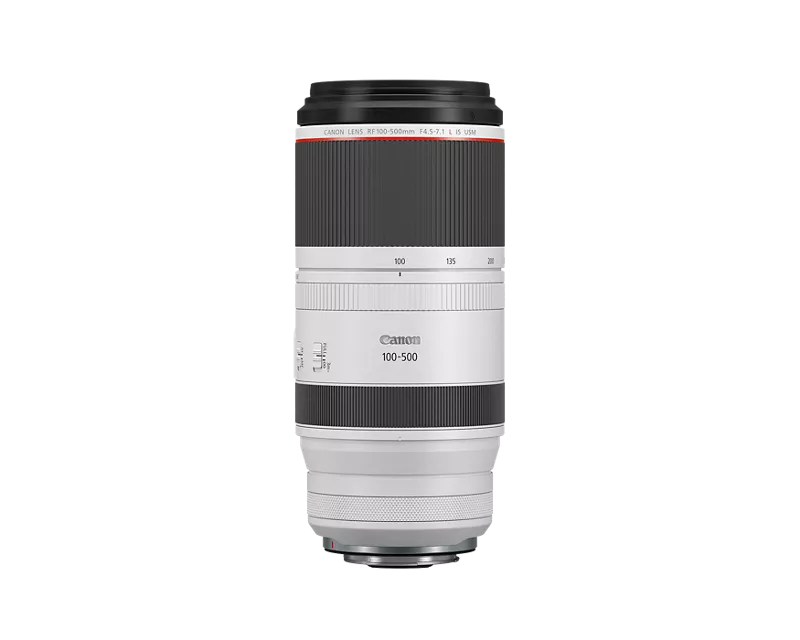
I've seen some older posts on the following issue, but never has there been a solid answer or the problem was (wrongly) accused of being due to an inferior tripod used. I've come across this problem with the RF100-500 and it's quite a dealbreaker for me as this issue results in many ruined video shots.
I'm talking about the issue of the RF 100-500 disabling all IS functions when shooting video from a tripod or solid base. Here's a video that clearly shows the IS shutting off when entering video mode with the camera stationed on a tripod:
"You should turn the IS off anyway when using the camera on a tripod"
Turning the IS off on the lens results in exactly the same results, because the lens turns the IS off itself already... it's supposed to keep it ON to reduce vibrations introduced by handling the camera.
"Your tripod simply isn't good enough"
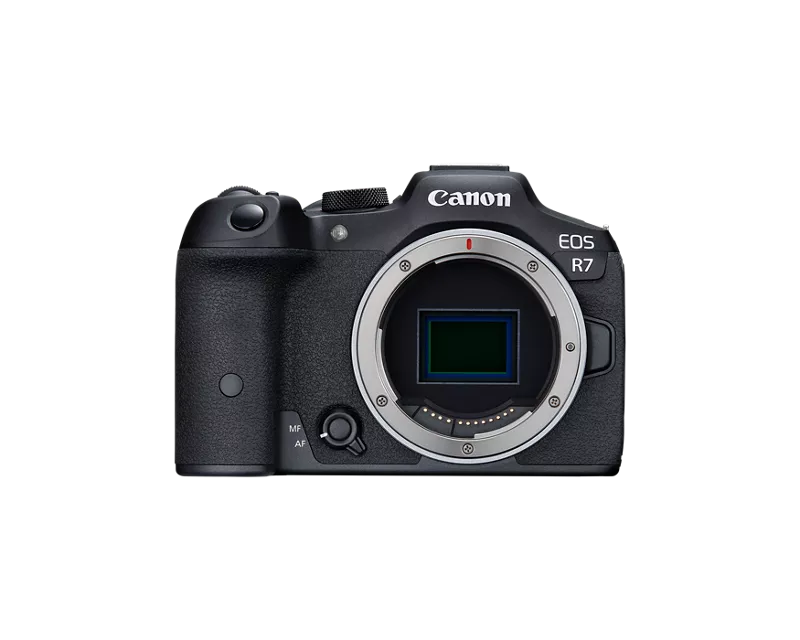
I've seen people blame it on the tripod setup, but this is simply false as you can also see in the video with the camera on a locked down tripod and the issue doesn't occur in photo mode. Having said that: my tripod setup (Benro S8 pro + Manfrotto 055CXPRO3 Carbon) isn't high end cinema gear, but definitely heavy and sturdy enough to work with this set. Also, i've also tested my set on a Sachtler Aktiv 8 + Sachtler Flowtech75 which gave the same results: you touch the camera - the image jitters.
"Issue lies with the R7 then?"
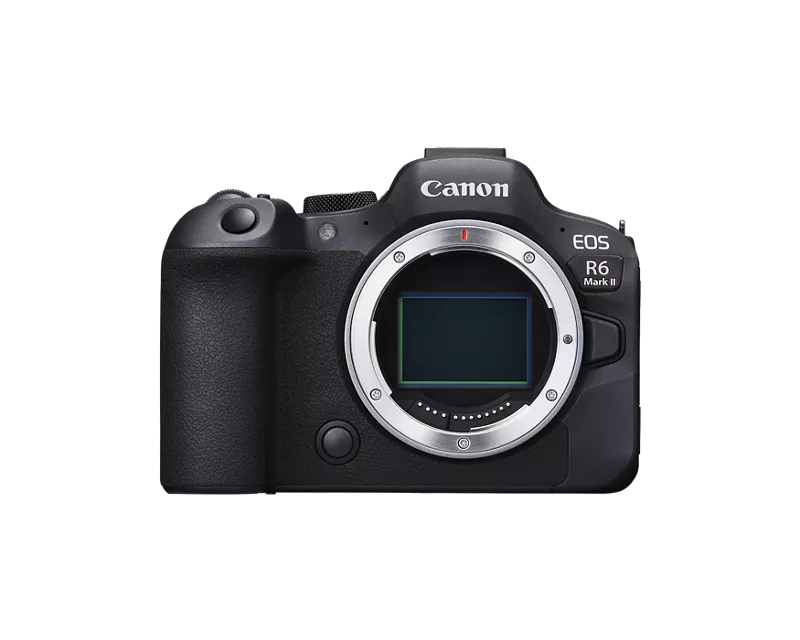
This is also not true as recently i've shot some video with the R6II as body and the same issue occurs.
Hoping someone can provide more information on this issue.
Thanks.
Solved! Go to Solution.
2 ACCEPTED SOLUTIONS
Accepted Solutions


Options
- Mark as New
- Bookmark
- Subscribe
- Mute
- Subscribe to RSS Feed
- Permalink
- Report Inappropriate Content
06-16-2025 11:03 AM
It sounds like the questions you are asking are best answered by technical support. This Community forum, is hosted and moderated within the United States and is a place where fellow Canon users share their experience and knowledge. If you need specific help from Canon you will want to reach out to your local Canon support team.
If you live outside the United States, please CLICK HERE and select your country or region for your support needs.
Options
- Mark as New
- Bookmark
- Subscribe
- Mute
- Subscribe to RSS Feed
- Permalink
- Report Inappropriate Content
06-30-2025 08:27 AM
I just got off the phone with a Canon representative/tech support from Canon Europe. Very friendly and understanding spokesperson, who had a technical understanding of the matter, but sadly had to deliver some bad news:
- Apparently the issue has not been previously reported at Canon (at least not at Canon Europe); they haven't had any complaints about it before. It therefore took a little longer to respond as they had to test it themselves.
- They acknowledge what is going: the RF 100-500 lens indeed has the feature of automatically turning off the IS when you place it on a tripod (and/or solid structure like a car window).
- It's a feature, not a bug. Users cannot change this setting.
- They acknowledge it can be a problem in these scenarios for video, but want to emphasize the RF100-500, and R7 / R6 II bodies, are made and marketed with photography as main purpose, not video. Therefore explaining certain choices.
- The representative didn't know exactly "why" the RF 100-500 has this function.
- Apparently the feature is present in the full lineup of RF lenses (i'm actually quite curious if this is true, looking at you RF200-800 users)
- Canon has now registered the issue with their development team, but at this moment there are no plans on addressing the issue in future firmware updates or new products. The comment was: "realistically, I wouldn't have high hopes or wait for it to change".
I'm afraid that for now this is the final conclusion. Sadly the RF100-500 therefore renders itself unusable to me for wildlife filmmaking. I was planning on upgrading the R7 to the R5 II, but I will move from Canon as a brand altogether now.
Wildlife videographers / filmmakers or other people that have plans to shoot video with the RF100-500 on a tripod: please be aware of this feature!
12 REPLIES 12


Options
- Mark as New
- Bookmark
- Subscribe
- Mute
- Subscribe to RSS Feed
- Permalink
- Report Inappropriate Content
06-16-2025 09:31 AM
You don’t need IS when shooting on a tripod that’s why it’s disabled. Older EF lenses couldn’t detect if they were on a tripod. So IS wouldn’t shut off and cause all types of jerking or jumping. That’s why it’s recommended to turn off IS when on a tripod. But this is usually done automatically now. A tripod can’t fix all issues. Especially if the ground you’re on is shaky already. The tripod can’t help with that.
-Demetrius
Bodies: EOS 40D & EOS 5D Mark IV
Lenses: EF Holy Trinity, EF 50mm F/1.8 STM, EF 70-210mm F/4 & EF 85mm F/1.8 USM
Speedlites: 420EX, 470EX-AI, 550EX & 600EX II-RT
Bodies: EOS 40D & EOS 5D Mark IV
Lenses: EF Holy Trinity, EF 50mm F/1.8 STM, EF 70-210mm F/4 & EF 85mm F/1.8 USM
Speedlites: 420EX, 470EX-AI, 550EX & 600EX II-RT
Options
- Mark as New
- Bookmark
- Subscribe
- Mute
- Subscribe to RSS Feed
- Permalink
- Report Inappropriate Content
06-16-2025 09:51 AM - edited 06-16-2025 09:59 AM
Did you even watch the video or read the post? I am talking about shooting video. It has nothing to do with the tripod or the ground shaking. All i'm doing is slightly touching the camera to mimic camera operation while filming.
The youtube clip i posted clearly shows what happens when the lens turns off IS going into video mode and resulting in messed up footage when you start recording. This while in photo mode the IS stays on which cancels out vibrations caused by handling the camera just fine. This also shows you in fact DO need some form of IS when shooting video. Apparently other canon lenses and brands have no issue with this.
Options
- Mark as New
- Bookmark
- Subscribe
- Mute
- Subscribe to RSS Feed
- Permalink
- Report Inappropriate Content
06-16-2025 10:01 AM
Yes you don’t need IS when shooting video on a tripod that’s why it’s disabled. Yes I did watch the video. Canon has it setup this way for the reason I just stated. There aren’t any 3rd Party RF lenses with IS currently. So those lenses rely on a body with IBIS instead. There aren’t any 3rd Party Full Frame RF lenses available either. Most 3rd Party lenses don’t have the hardware to detect when on a tripods and disable IS. As far as I know only Canon lenses have this hardware.
-Demetrius
Bodies: EOS 40D & EOS 5D Mark IV
Lenses: EF Holy Trinity, EF 50mm F/1.8 STM, EF 70-210mm F/4 & EF 85mm F/1.8 USM
Speedlites: 420EX, 470EX-AI, 550EX & 600EX II-RT
Bodies: EOS 40D & EOS 5D Mark IV
Lenses: EF Holy Trinity, EF 50mm F/1.8 STM, EF 70-210mm F/4 & EF 85mm F/1.8 USM
Speedlites: 420EX, 470EX-AI, 550EX & 600EX II-RT
Options
- Mark as New
- Bookmark
- Subscribe
- Mute
- Subscribe to RSS Feed
- Permalink
- Report Inappropriate Content
06-16-2025 10:15 AM - edited 06-16-2025 10:18 AM
I really don't understand why you keep saying "you don't need IS", as you can clearly see what happens when the IS turns off: jittery and shaky videos when you handle the camera.
This while the hardware is perfectly capable to cancel out these unwanted vibrations as you can see when the camera is in photomode. While i'm in this mode I can handle the tripod for smooth pans and movement, without all the jitters and shakes, but once I switch to video mode (or start recording in photomode) it turns the IS off and the video turns into a shaky mess.
Why would I need 3rd party RF lenses when I have a RF100-500 with perfect IS capabilities, but it just shuts off on me by the firmware programming when I try to record videos? Like this it's literally forcing me to take it off the tripod and shoot video by hand, only then the IS stays on.
Sony and their 200-600 has no issues like this on a tripod.
Nikon and their 180-600 has no issues like this on a tripod.
Why would Canon have this problem? (and only with the RF100-500 apparently!)

Options
- Mark as New
- Bookmark
- Subscribe
- Mute
- Subscribe to RSS Feed
- Permalink
- Report Inappropriate Content
06-16-2025 10:20 AM
If you don't believe deebateman316, you're welcome to confirm this with support at 1-800-OK-CANON (800-652-2666).
On page 12 , the manual says: "The Image Stabilizer for this lens is suited to hand-held shots in the following conditions."
Options
- Mark as New
- Bookmark
- Subscribe
- Mute
- Subscribe to RSS Feed
- Permalink
- Report Inappropriate Content
06-16-2025 10:44 AM - edited 06-16-2025 10:53 AM
Thank you for the reply. It has nothing to do with believing deebateman316 or not. It appears to me, like I am giving an example of in the YouTube clip that you do in fact benefit from IS when shooting video. Atleast when you still want to handle the camera on a tripod. How else would you slowly pan and follow a bird/animal or adjust a setting while filming? This is currently not possible due to the vibrations you're introducing.
The phonenumber is little use to me as i'm located in Europe, but thank you. The manual page you're quoting is super vague and it says nothing on videography. In fact, if I read the page in context i'm quite sure the manual is in context to photography as it's talking about shutter speed in a way you wouldn't use it in video.
Should I hereby conclude that the RF100-500 isn't suitable for wildlife videography on a tripod due to this choice in firmware design? Which just seems odd to me especially as I can tell the lens is in fact capable of the correct stabilisation, but it's simply turned off in certain circumstances.
Options
- Mark as New
- Bookmark
- Subscribe
- Mute
- Subscribe to RSS Feed
- Permalink
- Report Inappropriate Content
06-16-2025 11:03 AM
It sounds like the questions you are asking are best answered by technical support. This Community forum, is hosted and moderated within the United States and is a place where fellow Canon users share their experience and knowledge. If you need specific help from Canon you will want to reach out to your local Canon support team.
If you live outside the United States, please CLICK HERE and select your country or region for your support needs.
Options
- Mark as New
- Bookmark
- Subscribe
- Mute
- Subscribe to RSS Feed
- Permalink
- Report Inappropriate Content
06-16-2025 11:19 AM
Thank you. Since I'm not the only one struggling with this "feature" I figured looking over here to see if someone had found a solution, but I'll contact technical support in Europe then.
Options
- Mark as New
- Bookmark
- Subscribe
- Mute
- Subscribe to RSS Feed
- Permalink
- Report Inappropriate Content
06-16-2025 11:52 AM
Hi, I also frustratingly encountered this “feature” while filming video on various tripods (Right now a Befree GT + MVH502AH fluid head) with the R7 and 100-500, and while I was never able to solve it, I noticed keeping a hand on the camera seems to encourage the lens stabilization to stay on, especially when panning. I think the rolling shutter in video mode is also why it looks so bad when the stab is off.


Announcements
05/13/2026: New firmware updates are available.
EOS R5 Mark II - Version 1.3.0
EOS R6 Mark II - Version 1.7.0
04/28/2026: Service Notice: Caution Concerning use of Lithium Batteries
03/17/2026: New firmware updates are available.
SELPHY CP1500 - Version 1.0.7.0
02/23/2026: New firmware update is available for EOS C50- Version 1.0.3.1
01/23/2026: New firmware update is available for RF 24-105mm F4 IS USM- Version 2.0.7
01/20/2026: New firmware updates are available.
12/22/2025: New firmware update is available for EOS R6 Mark III- Version 1.0.2
10/21/2025: Service Notice: To Users of the Compact Digital Camera PowerShot V1
10/15/2025: New firmware updates are available.
Speedlite EL-5 - Version 1.2.0
Speedlite EL-1 - Version 1.1.0
Speedlite Transmitter ST-E10 - Version 1.2.0
07/28/2025: Notice of Free Repair Service for the Mirrorless Camera EOS R50 (Black)
05/21/2025: New firmware update available for EOS C500 Mark II - Version 1.1.5.1
Related Content
- EOS R5 Mark II firmware 1.30 notes in Camera Software
- SX60 videoing automatically stops recording in Point & Shoot Digital Cameras
- EOS R6 stills with IBIS coming out blurry, movies OK in EOS DSLR & Mirrorless Cameras
- RF 100-500 disables IS when recording video from a tripod in EF & RF Lenses
- Is "automatic tripod detection to disable IS" an urban myth? in EF & RF Lenses

Ⓒ 2026
Canon U.S.A Inc. All Rights Reserved. Reproduction in whole or part without permission is prohibited.
