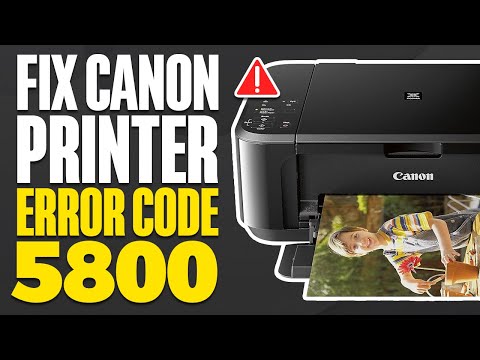
Understanding Error Code 5800 for Canon Pixma MG2522
Error code 5800 on the Canon Pixma MG2522 typically indicates a problem related to the printer's waste ink counter. This error can prevent the printer from functioning properly.
Common Causes
-
Waste Ink Counter Full: The printer has a built-in counter that tracks the amount of ink absorbed by the waste ink pads. When this counter reaches its limit, the printer will display error code 5800.
-
Improper Ink Cartridge: Using non-genuine or incompatible ink cartridges can also trigger this error.
Solutions
-
Reset the Waste Ink Counter:
- Turn off the printer and unplug it.
- Open the ink cartridge cover and wait for the cartridges to move to the service position.
- Disconnect the power cable to keep the cartridges in place.
- Clean the waste ink pads if accessible, or consider replacing them if they are saturated.
-
Check Ink Cartridges:
- Ensure that you are using genuine Canon ink cartridges or reputable third-party brands.
- Reinstall the cartridges to ensure they are seated correctly.
-
Driver Reinstallation:
- If the error persists, reinstall the printer driver using Canon's service tool. This can help reset any software-related issues.
-
Contact Support:
- If none of the above solutions work, it may be necessary to contact Canon support for further assistance or servicing.
- You may be able to work around this error using this method:
- https://www.youtube.com/watch?v=rkHJZUpMsXM