08-31-2019 05:58 PM
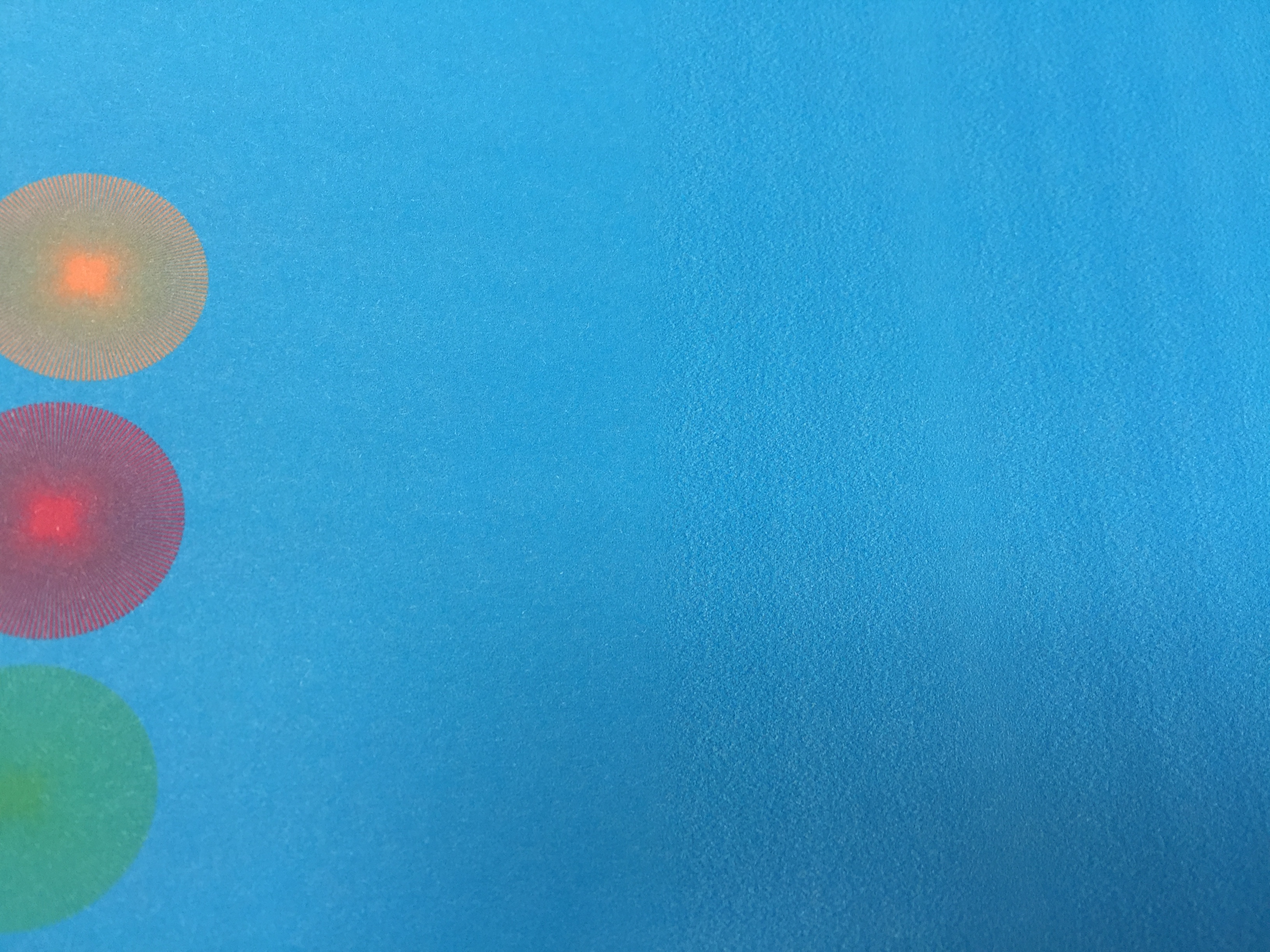
I have a problem to print any picture or photo. For about 9-10 cm print is sharp and clear, after - blury. I printed test pages for Magenta, Cyan, Yellow and Black separately, same problem wih all of them.
Any sugestion welcome
09-06-2019 12:26 PM
Hi piotrolia,
Please make sure that you are using genuine Canon ink tanks in your iP7220.
Next, please perform 2 or 3 printhead cleanings. To do this, please hold down the Resume/Cancel button until the Power light blinks 1 time.
If the issue persists, please clean the encoder/timing strip:
https://support.usa.canon.com/kb/index?page=content&id=ART133115
(please note, the article lists a different model, but hte steps are similar)

11/20/2025: New firmware updates are available.
EOS R6 Mark III - Version 1.0.1
EOS R5 Mark II - Version 1.2.0
PowerShot G7 X Mark III - Version 1.4.0
PowerShot SX740 HS - Version 1.0.2
10/15/2025: New firmware updates are available.
Speedlite EL-5 - Version 1.2.0
Speedlite EL-1 - Version 1.1.0
Speedlite Transmitter ST-E10 - Version 1.2.0
07/24/2025: New firmware updates are available.
07/23/2025: New firmware updates are available.
7/17/2025: New firmware updates are available.
02/20/2025: New firmware updates are available.
RF70-200mm F2.8 L IS USM Z - Version 1.0.6
RF24-105mm F2.8 L IS USM Z - Version 1.0.9
RF100-300mm F2.8 L IS USM - Version 1.0.8
RF50mm F1.4 L VCM - Version 1.0.2
RF24mm F1.4 L VCM - Version 1.0.3
Canon U.S.A Inc. All Rights Reserved. Reproduction in whole or part without permission is prohibited.