Turn on suggestions
Auto-suggest helps you quickly narrow down your search results by suggesting possible matches as you type.
- Canon Community
- Discussions & Help
- Video
- Professional Video
- Re: C80 USB-C Functionality Not Working
Options
- Subscribe to RSS Feed
- Mark Topic as New
- Mark Topic as Read
- Float this Topic for Current User
- Bookmark
- Subscribe
- Mute
- Printer Friendly Page

Options
- Mark as New
- Bookmark
- Subscribe
- Mute
- Subscribe to RSS Feed
- Permalink
- Report Inappropriate Content
04-24-2025 01:37 PM - edited 04-24-2025 01:43 PM
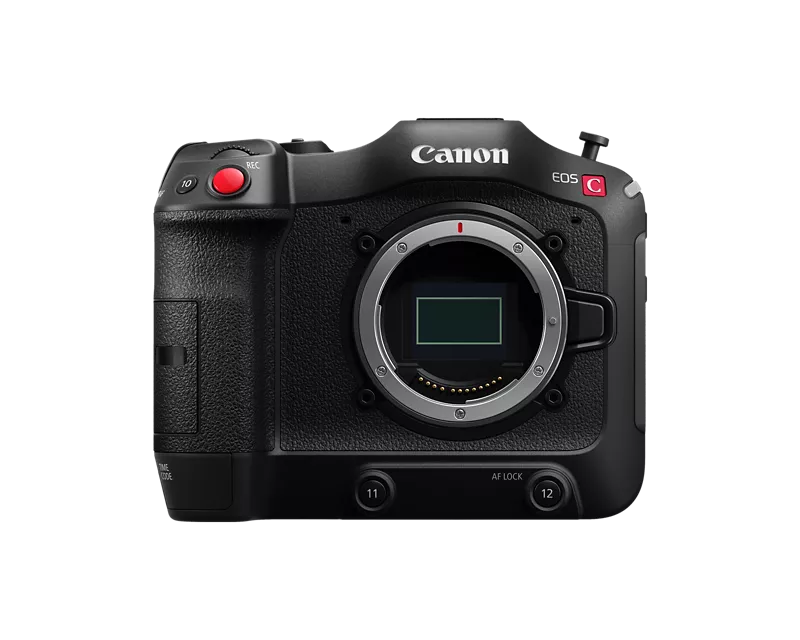
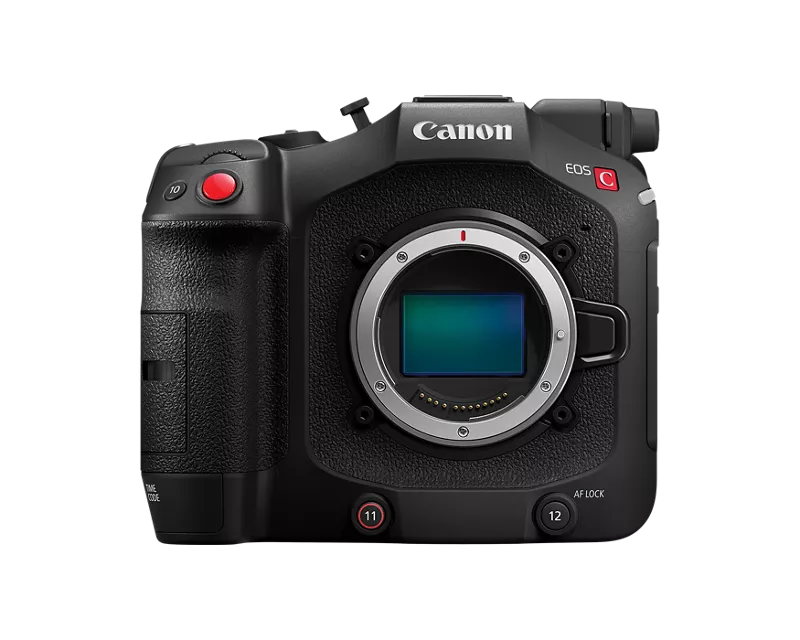
With the EOS C70 everything worked really well through USB-C on DJI RS3/RS4 Gimbals - You had run stop and even some basic motor control of AF lenses through the USB-C port. With the introduction of the EOS C80 I can't seem to get any system to communicate through that port for run stop. Tilta Nucleus M, Nano, Nano II motors don't speak to it, and direct connections through RS3 or RS4 will just disconnect after a second or two.
Is there something new about that port? Did Canon disable that functionality for some reason? Has anyone else had luck with other brands?
My C80 has mostly sat on the shelf since December since it is missing that R/S communication for remote head work. Very much looking forward to that update when I can utilize this great little cam!
Solved! Go to Solution.
18 REPLIES 18
Options
- Mark as New
- Bookmark
- Subscribe
- Mute
- Subscribe to RSS Feed
- Permalink
- Report Inappropriate Content
07-07-2025 02:29 PM
Hey Rick,
Appreciate the response here. I have spoken with Canon and built a case number with them over the phone. I've probably spoke with them 5 times since November about this issue with no moment on this matter unfortunately. My hope is to continue escalating until it reaches the engineering team...
Options
- Mark as New
- Bookmark
- Subscribe
- Mute
- Subscribe to RSS Feed
- Permalink
- Report Inappropriate Content
09-09-2025 04:02 PM
Hopping in here just to keep the pressure on this issue. Between the C70's lack of durability and just investing in new cameras, our office is down to only a few cameras that can communicate with the RS4, so I'm hoping one of the two companies can figure out whatever has changed from the old to the new cameras to enable functionality
Options
- Mark as New
- Bookmark
- Subscribe
- Mute
- Subscribe to RSS Feed
- Permalink
- Report Inappropriate Content
10-29-2025 01:29 AM
This is really very disappointing, I thought the C80 would come by this feature by default 😞
Options
- Mark as New
- Bookmark
- Subscribe
- Mute
- Subscribe to RSS Feed
- Permalink
- Report Inappropriate Content
11-02-2025 07:45 PM
Have you had any success getting answers? I’m interested in getting a C80 to use with a Ronin rs4 pro, but it seems like the C80 is missing some key features that even the C70 had. I’ve read that you cannot see the monitoring LUT when playing back footage. Very strange there’s basic features missing on this new model
Options
- Mark as New
- Bookmark
- Subscribe
- Mute
- Subscribe to RSS Feed
- Permalink
- Report Inappropriate Content
11-02-2025 08:01 PM
Nope not a word to any of my requests or emails.. best update is that you can purchase this cable and at least get run stop working. Doesn't seem like this is something that will ever get rectified. I'd recommend against going this route if this specific fix is what you're holding out for. C70 is still working well in this setup. I'm so disappointed, my C80 gets so little use it's turning into a paperweight.
eBay: https://www.ebay.com/itm/157146240627
Amazon: https://www.amazon.com/HangTon-Record-Control-CineAltaB-Panasonic/dp/B0FDB65SKF/
AliExpress: https://www.aliexpress.com/item/1005008603103663.html
Options
- Mark as New
- Bookmark
- Subscribe
- Mute
- Subscribe to RSS Feed
- Permalink
- Report Inappropriate Content
11-02-2025 08:20 PM
Thank you for the info.
Do you have any insight on the LUT situation I mentioned? I’ve read that when you playback it can only display log? Sounds very frustrating dealing with that
Options
- Mark as New
- Bookmark
- Subscribe
- Mute
- Subscribe to RSS Feed
- Permalink
- Report Inappropriate Content
11-02-2025 08:43 PM
Oh sorry, you are correct on that as well. Last shoot I needed the c80 on needed a lot of playback so I just turned off the SDI LUT in camera/turned it on in the external monitor. So there was no change to client when we jumped back and forth from live to playback.
I don't believe the c70 has playback lut either for hdmi (I could be wrong) but it does for it's own LCD. Not sure why that would have changed on C80, add it to the list of wtf choices
Options
- Mark as New
- Bookmark
- Subscribe
- Mute
- Subscribe to RSS Feed
- Permalink
- Report Inappropriate Content
04-15-2026 03:08 PM
Canon announcement today looks promising for those of us still looking for a fix
"Canon has just announced a series of upcoming firmware updates for most of their Cinema EOS cameras, including the EOS C400, C80, C70, C50, and R5C. These updates will introduce new USB control protocols to enable remote Start/Stop, as well as adjustments to shutter, ISO, Iris, and focus functions."
https://www.cined.com/canon-firmware-update-for-the-eos-c400-c80-c70-c50-and-r5c-announced/
Options
- Mark as New
- Bookmark
- Subscribe
- Mute
- Subscribe to RSS Feed
- Permalink
- Report Inappropriate Content
06-27-2026 11:11 AM
Canon has implemented a solve, thank you!
New firmware 1.0.6.1 for the c80 solves both the run stop and internal motor control on the rs4 pro.
My Rs4 pro is on firmware 01.06.00.00, but not sure how much it matters on the gimbal side since this functionality seemed to be a limitation by canon.

- « Previous
-
- 1
- 2
- Next »
- « Previous
-
- 1
- 2
- Next »

Announcements
05/13/2026: New firmware updates are available.
EOS R5 Mark II - Version 1.3.0
EOS R6 Mark II - Version 1.7.0
04/28/2026: Service Notice: Caution Concerning use of Lithium Batteries
03/17/2026: New firmware updates are available.
SELPHY CP1500 - Version 1.0.7.0
02/23/2026: New firmware update is available for EOS C50- Version 1.0.3.1
01/23/2026: New firmware update is available for RF 24-105mm F4 IS USM- Version 2.0.7
01/20/2026: New firmware updates are available.
12/22/2025: New firmware update is available for EOS R6 Mark III- Version 1.0.2
10/21/2025: Service Notice: To Users of the Compact Digital Camera PowerShot V1
10/15/2025: New firmware updates are available.
Speedlite EL-5 - Version 1.2.0
Speedlite EL-1 - Version 1.1.0
Speedlite Transmitter ST-E10 - Version 1.2.0
07/28/2025: Notice of Free Repair Service for the Mirrorless Camera EOS R50 (Black)
05/21/2025: New firmware update available for EOS C500 Mark II - Version 1.1.5.1

Ⓒ 2026
Canon U.S.A Inc. All Rights Reserved. Reproduction in whole or part without permission is prohibited.
