Turn on suggestions
Auto-suggest helps you quickly narrow down your search results by suggesting possible matches as you type.
- Canon Community
- Discussions & Help
- Printer
- Desktop Inkjet Printers
- My Canon MX892 will not print photos correctly.
Options
- Subscribe to RSS Feed
- Mark Topic as New
- Mark Topic as Read
- Float this Topic for Current User
- Bookmark
- Subscribe
- Mute
- Printer Friendly Page
My Canon MX892 will not print photos correctly.

Options
- Mark as New
- Bookmark
- Subscribe
- Mute
- Subscribe to RSS Feed
- Permalink
- Report Inappropriate Content
04-14-2014 01:18 PM - edited 04-14-2014 01:21 PM
Hi. my Canon MX892 has started having problems printing photos. Deep shadows are producing blue coloring, not black. Have done manual alighnment, multiple deep cleanings (causing ink supply to dwindle) but no improvement. Here is a sample of the printouts on get on photo paper:
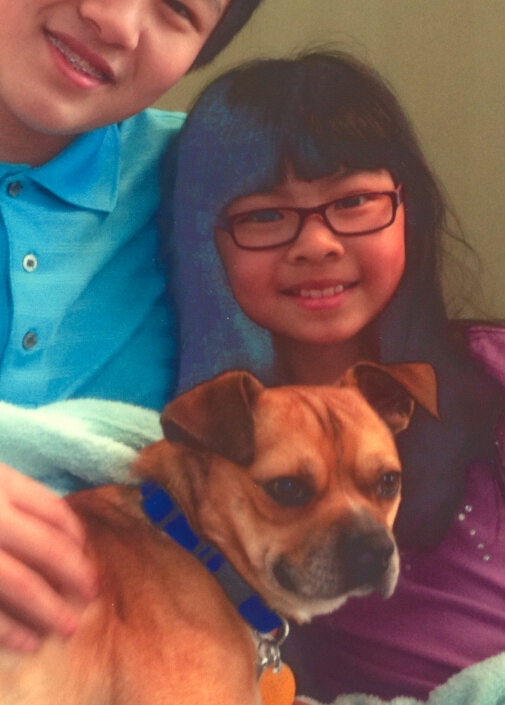
If anyone has any ideas I'd appreciate it. Genreally always pleased with Canon products, so suprised this cropped up suddenly. Thank you,
This printer is connected to an iMac, have the lastest firmware and driver installed.
Mark Thompson
2 REPLIES 2
Options
- Mark as New
- Bookmark
- Subscribe
- Mute
- Subscribe to RSS Feed
- Permalink
- Report Inappropriate Content
05-10-2014 11:37 PM
Did you find a solution? My Canon Pixma 892 is printing the same way as yours. Blacks and dark colors appear dull and flat. I can't find a solution anywhere online!
Options
- Mark as New
- Bookmark
- Subscribe
- Mute
- Subscribe to RSS Feed
- Permalink
- Report Inappropriate Content
03-22-2015 07:45 PM
Same problem here, unfortunately no solution. I only found one other reference to this problem elsewhere, and apparently there was a solution posted, but the moderators deleted it because it wasn't polite enough.

Announcements
07/22/2026: New firmware updates are available.
EOS R6 Mark III - Version 1.1.0
05/13/2026: New firmware updates are available.
EOS R5 Mark II - Version 1.3.0
EOS R6 Mark II - Version 1.7.0
04/28/2026: Service Notice: Caution Concerning use of Lithium Batteries
03/17/2026: New firmware updates are available.
SELPHY CP1500 - Version 1.0.7.0
02/23/2026: New firmware update is available for EOS C50- Version 1.0.3.1
01/23/2026: New firmware update is available for RF 24-105mm F4 IS USM- Version 2.0.7
01/20/2026: New firmware updates are available.
10/21/2025: Service Notice: To Users of the Compact Digital Camera PowerShot V1
10/15/2025: New firmware updates are available.
Speedlite EL-5 - Version 1.2.0
Speedlite EL-1 - Version 1.1.0
Speedlite Transmitter ST-E10 - Version 1.2.0
07/28/2025: Notice of Free Repair Service for the Mirrorless Camera EOS R50 (Black)
05/21/2025: New firmware update available for EOS C500 Mark II - Version 1.1.5.1
Related Content
- imageprograf pro-2000 only printing small images? in Production Printing
- Brand new Ivy not working, app says photo queue is empty in Mobile & Compact Printers
- MF753Cdw Color Adjustment, difficulty adjusting the color for graphics output in Office Printers
- PIXMA PRO-200 Trouble printing from Photoshop Elements and selecting paper sizes in Professional Photo Printers
- Pro 1100 image not centered in Professional Photo Printers

Ⓒ 2026
Canon U.S.A Inc. All Rights Reserved. Reproduction in whole or part without permission is prohibited.
