Hey all.
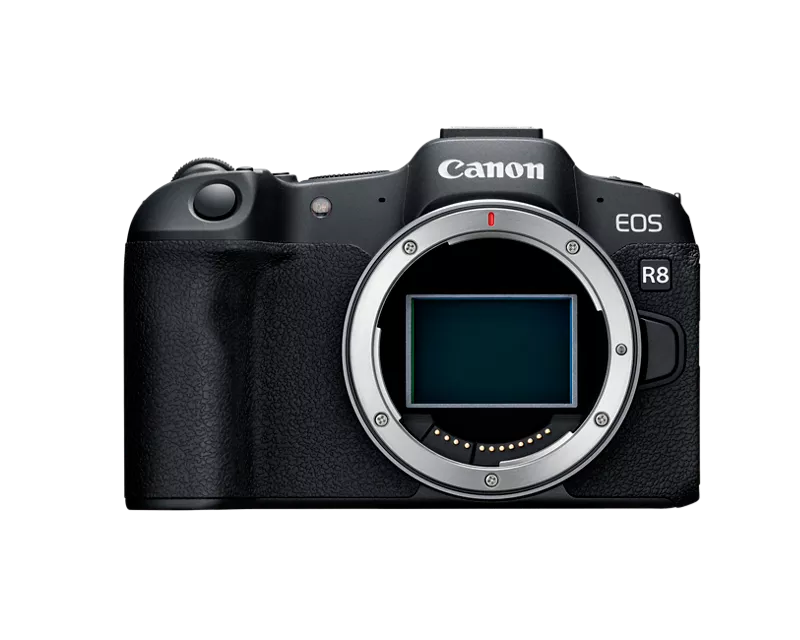
I am trying to tether my R8 to Win 10 LG gram but it seems only photos are not saving to the laptop.
*R8 is running 1.4.0 firmware, installed EOS DPP 4.19.30, EOS UTILITY 3.18.11.4.
The "Download images to computer", "Camera settings", "Remote Shooting / Video" works.
On "Remote Shooting / Photo", whether I choose "computer only" or "Computer and camera memory card" photos won't be saved to my laptop.
The number of available shots decreases as I press the shutter button either on my screen or the camera, but there's no pictures saved on the laptop and the number recovers as I restart remote Shooting.
I tried almost all possible directories : "D:\", "C:\", "D:\YYMMDD", "C:\YYMMDD", "C:\Users\mbeno\Pictures\", "C:\Users\mbeno\Pictures\YYMMDD" so on.
One time I could save by remote shooting right after installing "Phase One", but after I uninstalled Phase one, it doesn't work any more.
When I first ran Phase one, it ran some kind of batch file referring firewall.
What's interesting is that after reinstalling Phase one, it also doesn't work anymore. 😞
Now I cannot save photos to my laptop directly. No tethering available.
Does any one know how to solve this situation?
EOS R8