Hello everyone. This is my first post. I´m having problems updating the G7X Mark III Firmware. I´ve never done a firmware update on this particular camera, so it´s running on Ver 1.0.1 .
I downloaded the firmware, extracted the file, copied it to the root on a freshly formatted SD card (did the formatting on the camera itself). The camera is set on P mode, as suggested in the updating procedure. I can see just fine the firmware menu, on the fifth Settings tab.
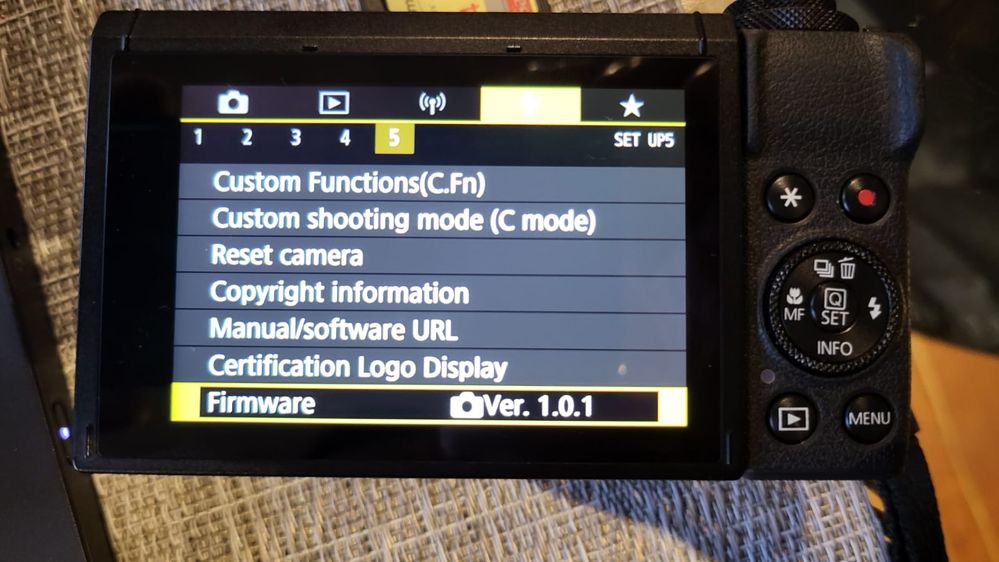 Menu shows up fine.
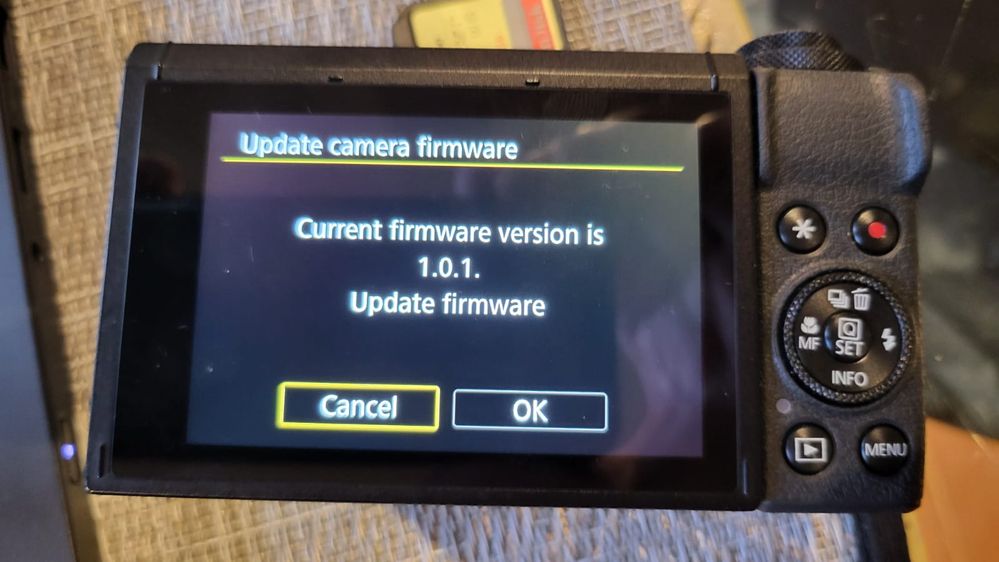 Everything ok here to.
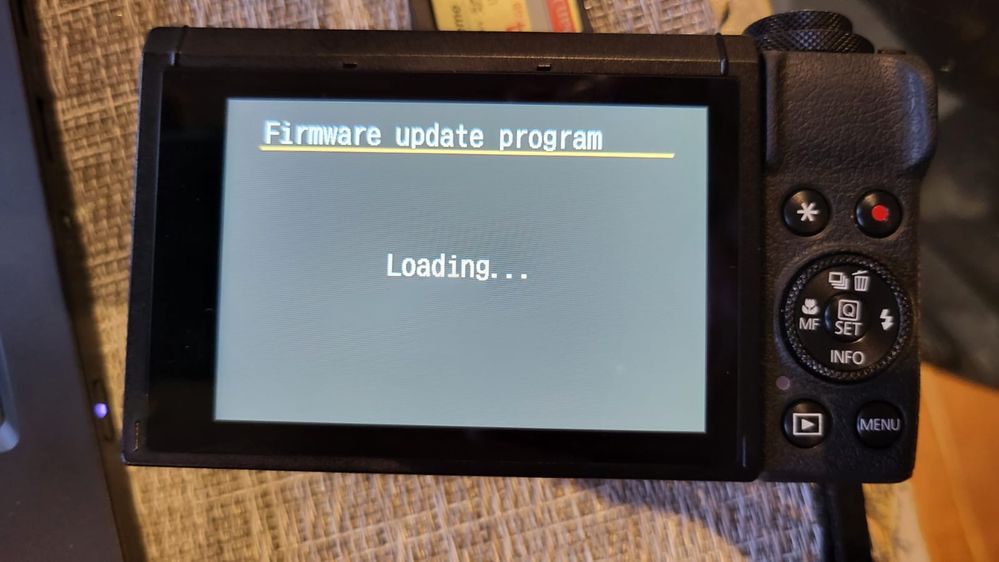 The upgrade program loads ok.
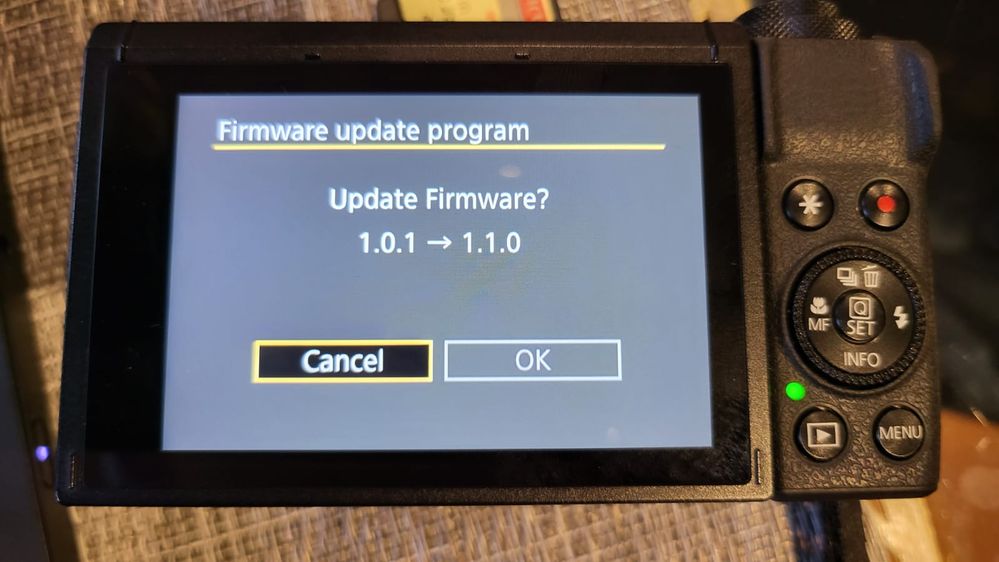 I can´t click OK.
When I click on the firmware version, it opens up the prompt asking me if I want to update firmware. Clicked OK.
Then I´m asked to select the firmware, which can be seen there just fine as a .FIR file. But, and here´s the fun part, there´s no OK button. Just the Cancel one. So I can´t move past this point. Any ideas would be appreciated.
I´ve also tried a couple other firmware versions (it could be incremental), but the problem is always the same.




